Your day, planned in seconds
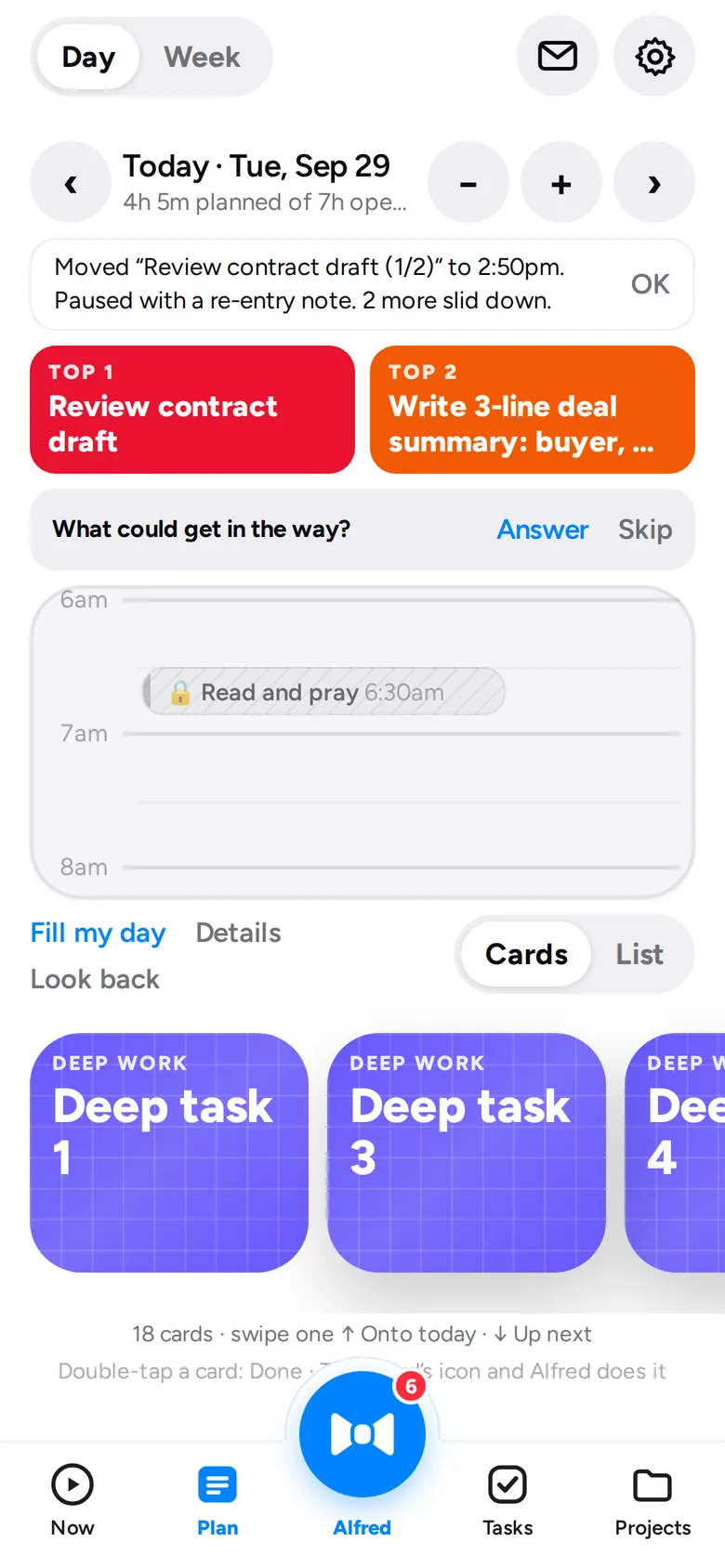
Alfred fits your Top 3 around your meetings. Faith, family and health come first, and he never plans more than fits.
At your service
Alfred builds your day around your calendar, puts what matters first, and reads your email so you don't have to. You approve everything.
For iPhone and iPad · Free during the beta · No card needed
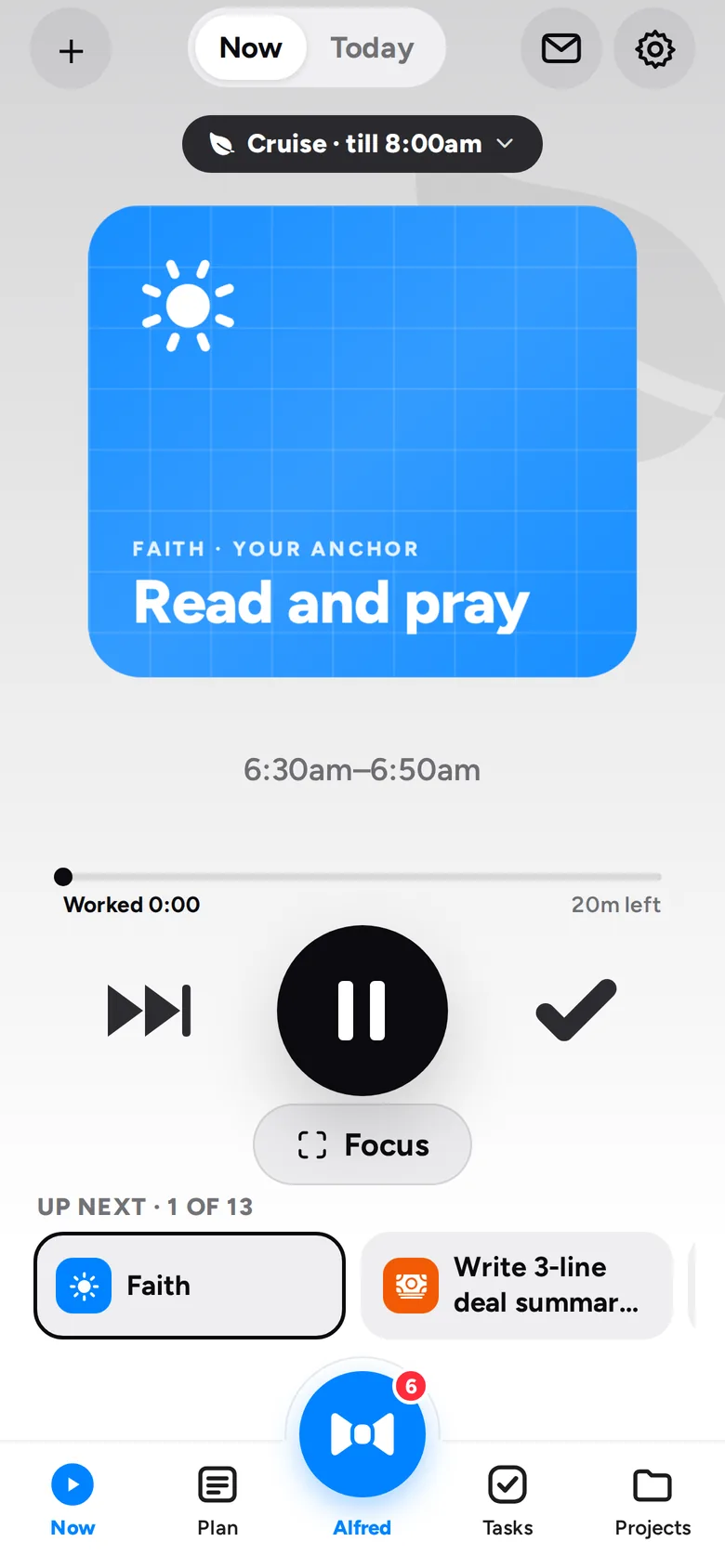
Set up in two minutes. Then it's one tap a day.
An assistant that plans, reads and reminds, and leaves the decisions to you.
Alfred fits your Top 3 around your meetings. Faith, family and health come first, and he never plans more than fits.
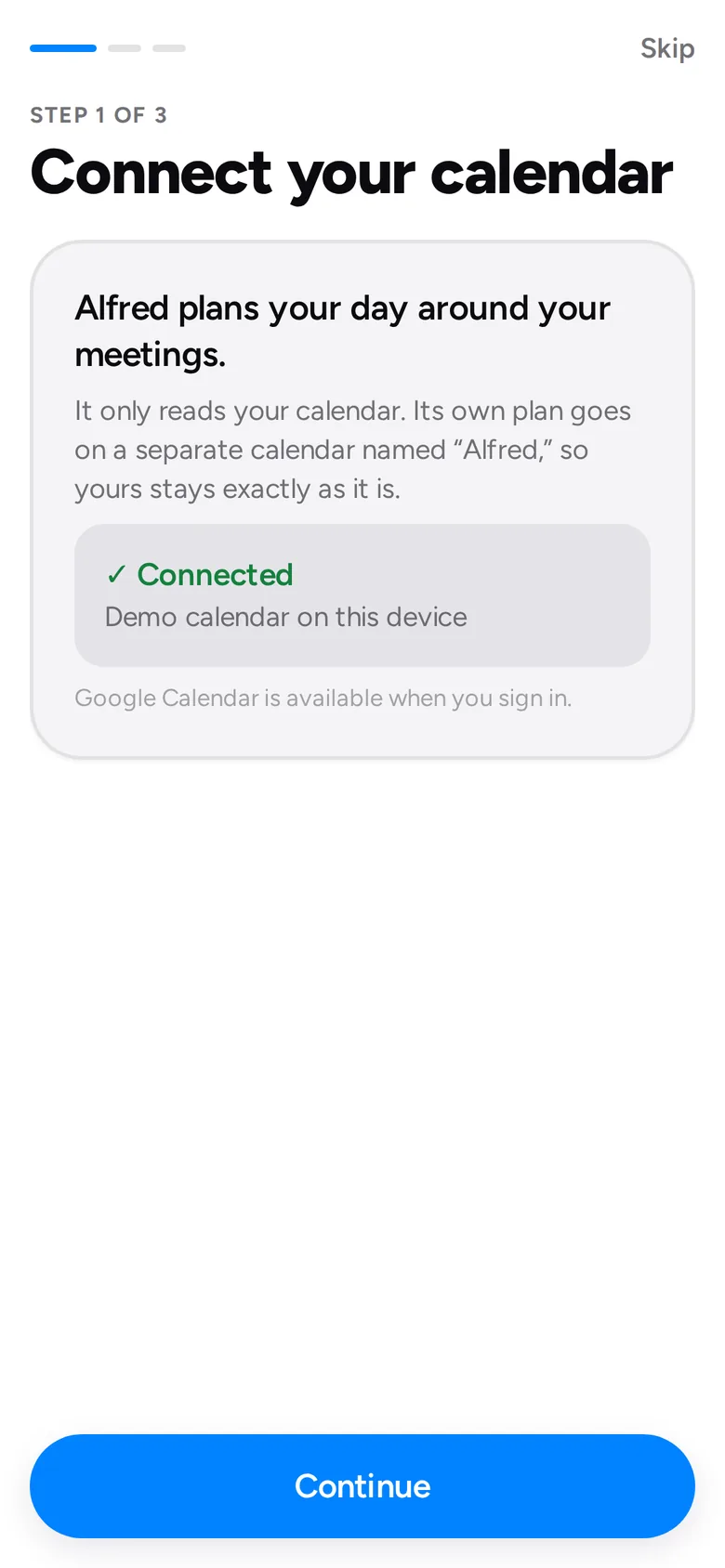
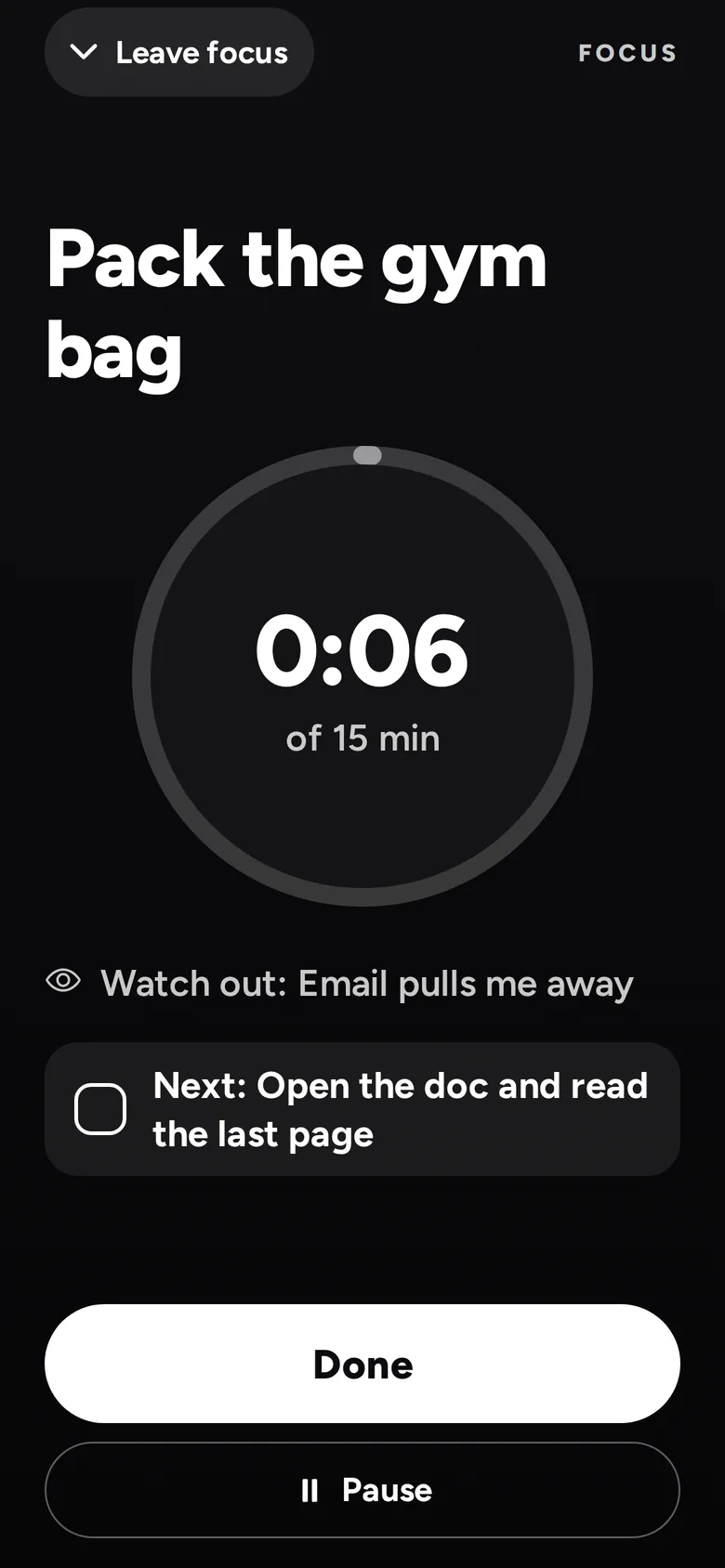
Press play and nothing else competes. Full screen when you need to focus.
Who needs a reply, the long ones summed up, and a draft for each. You hit Send.
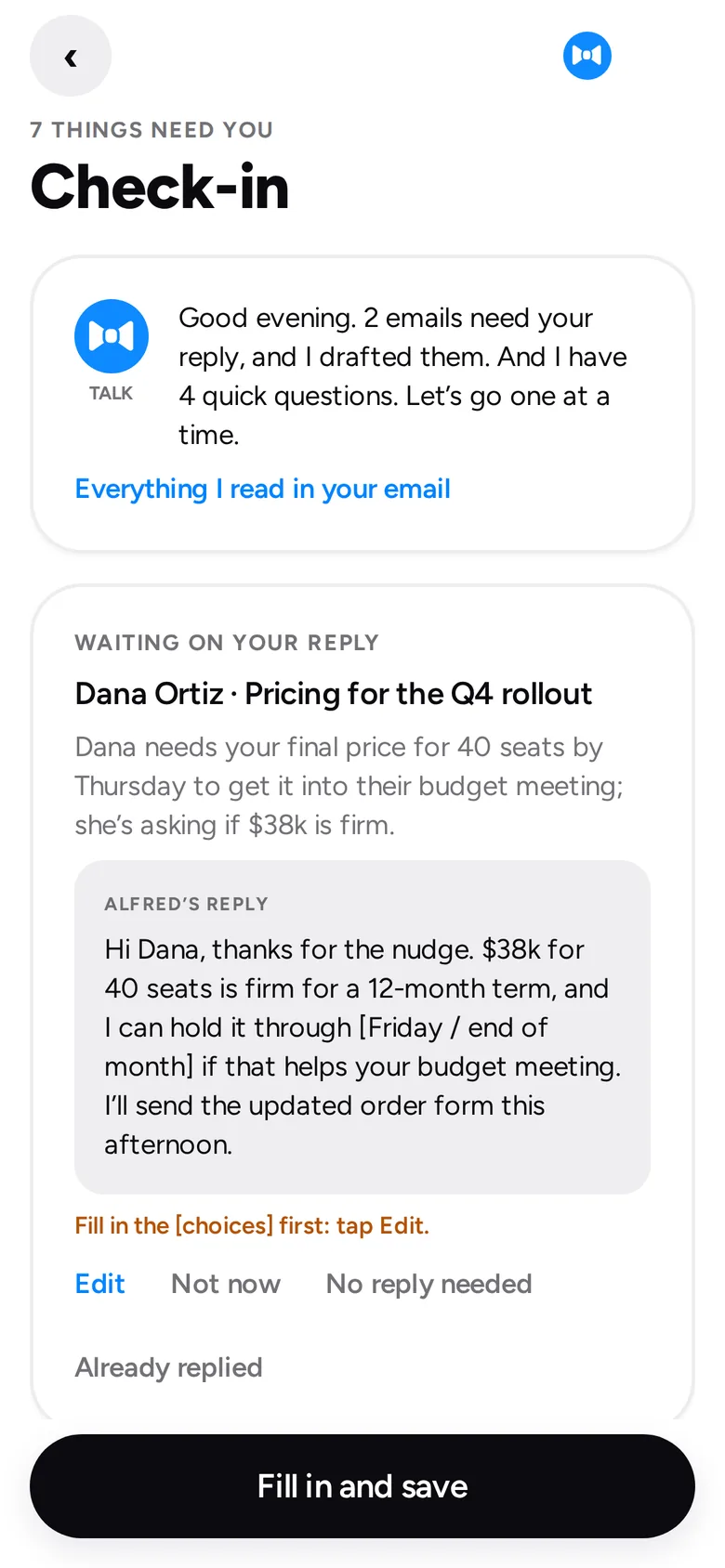
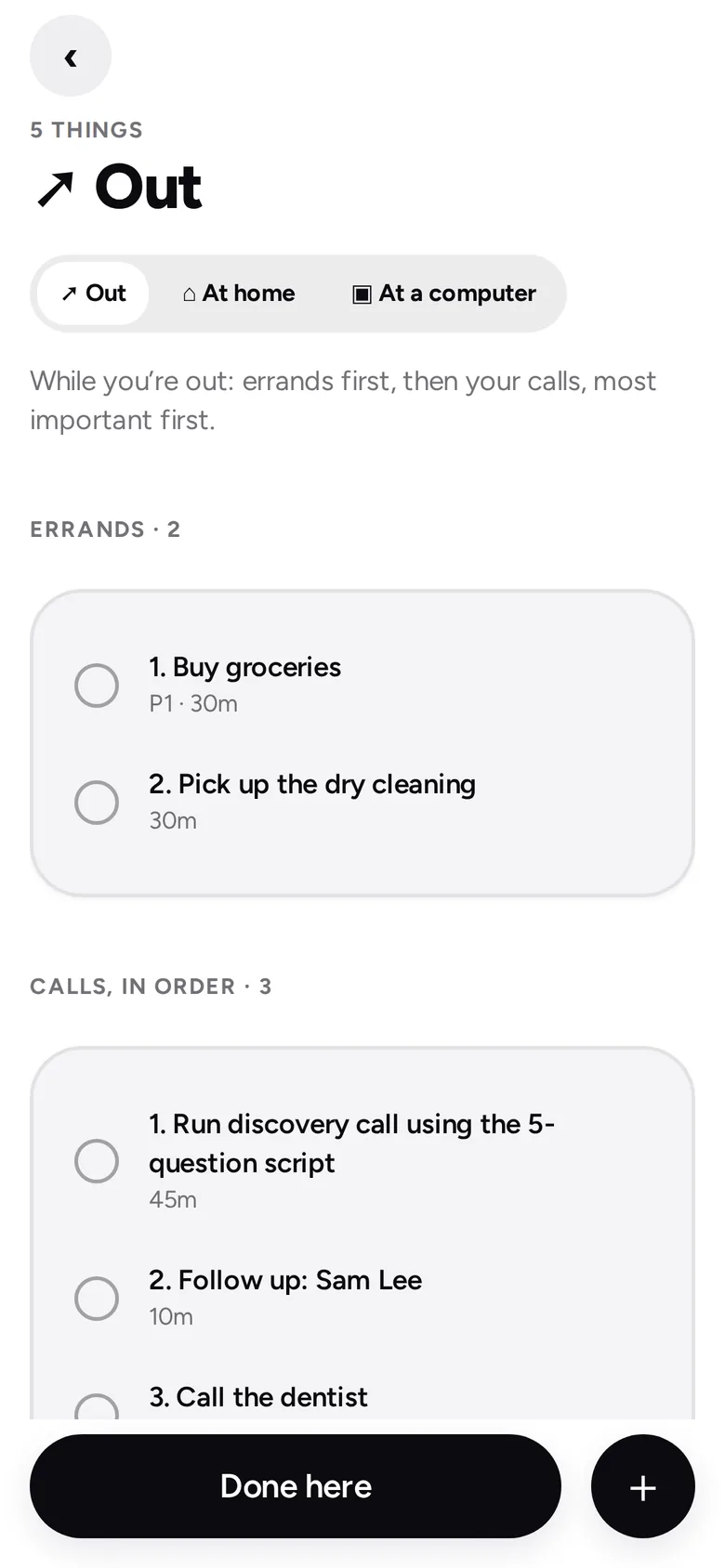
Step out the door and your errands and calls are waiting, in order.
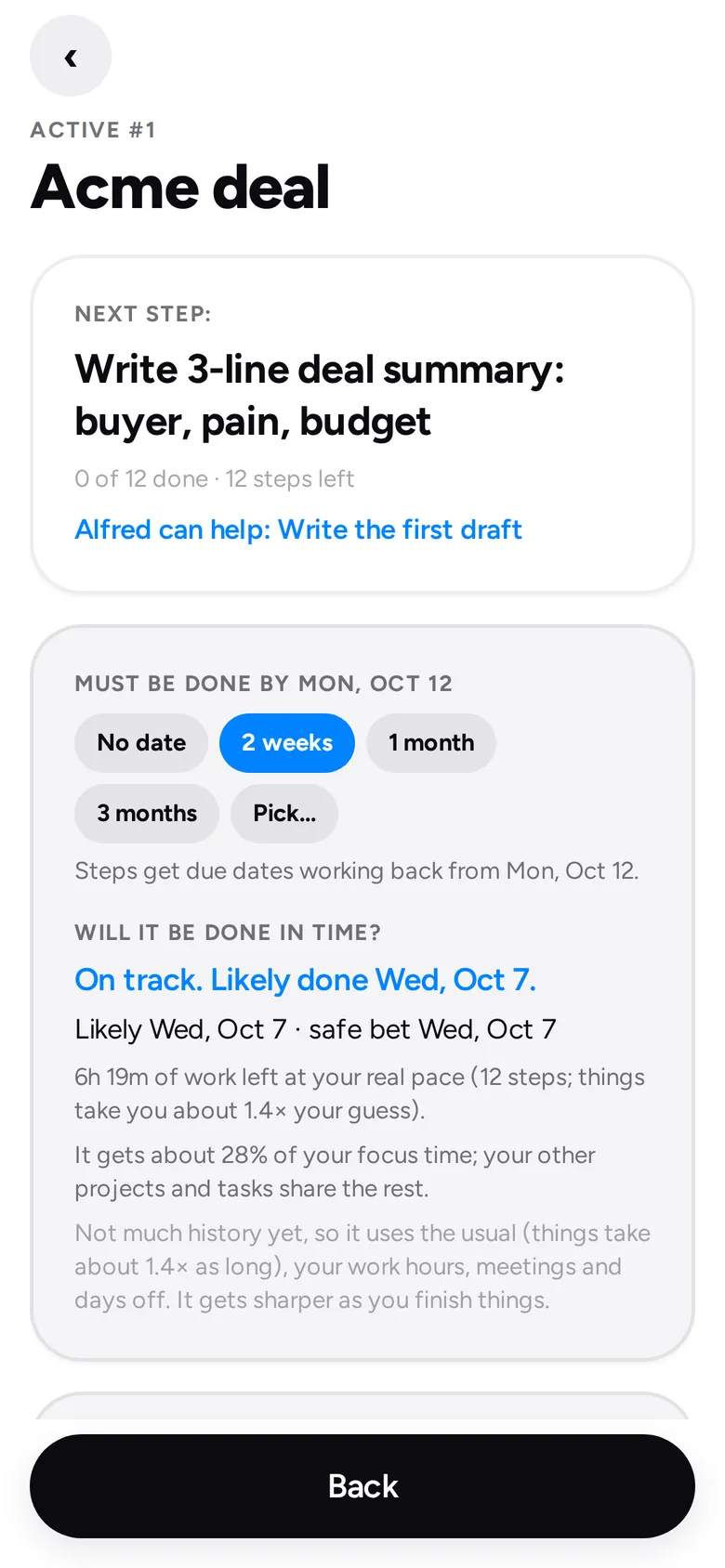
Pick from 522 templates. Alfred moves each project a step a day and says if it'll be done in time.
Tap the blue bow tie and talk. Or ask Siri "what's next?" without opening the app.
Long emails and PDFs: the gist, what they need from you, or read out loud on the go.
Recaps from Zoom, Meet and note takers become tasks you approve, with follow-ups for others.
Call, text, pay, order, get directions or start a timer, right from the task.
Waiting on someone? Alfred writes the nudge on the day. You tap Send.
Deep, Focused, Creative, Lightning or Cruise, placed in the hours that suit you.
Ten minutes on Friday to clear the decks and pick next week's three projects.
An end-of-day report that celebrates wins. A day off never breaks a run.
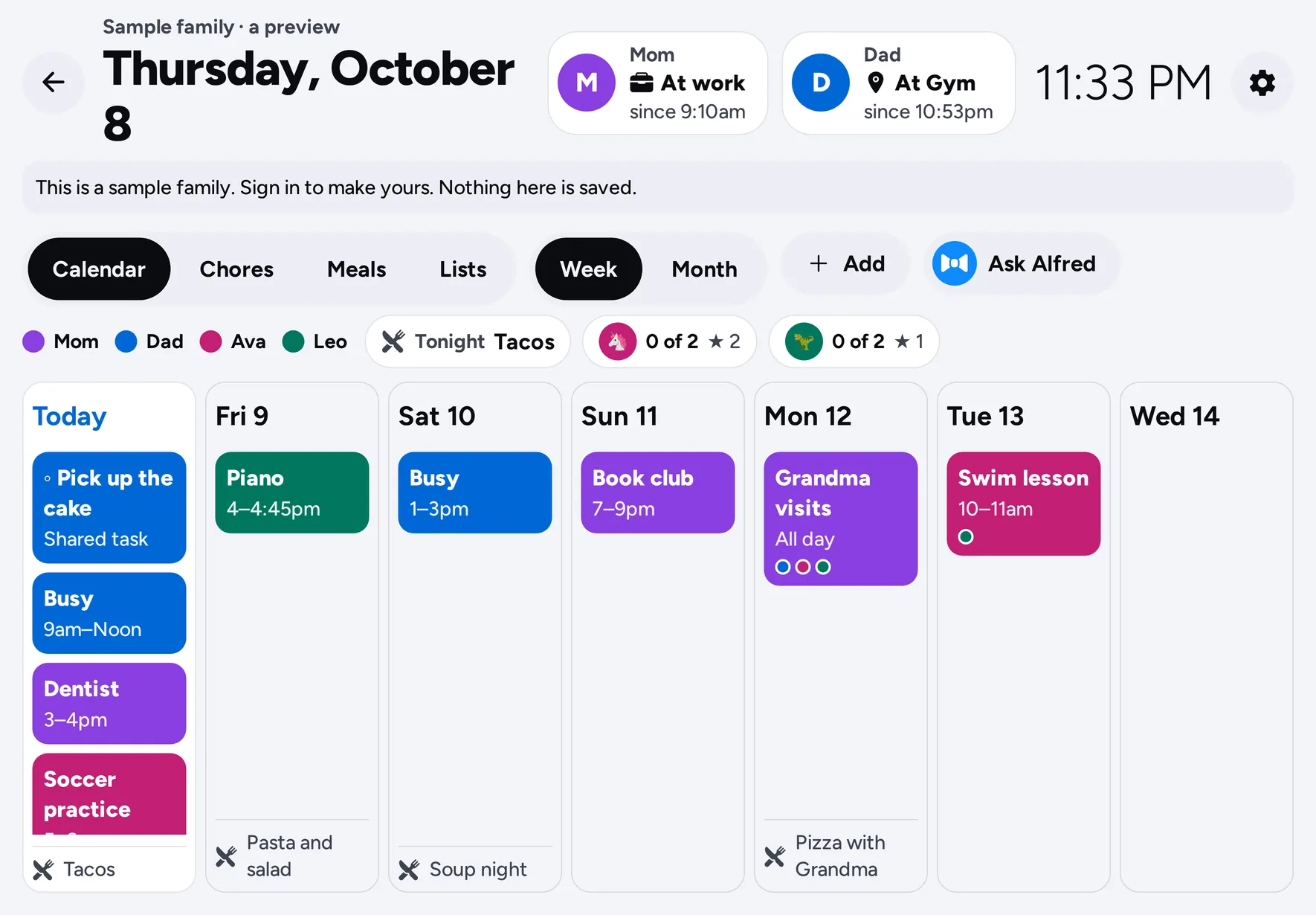
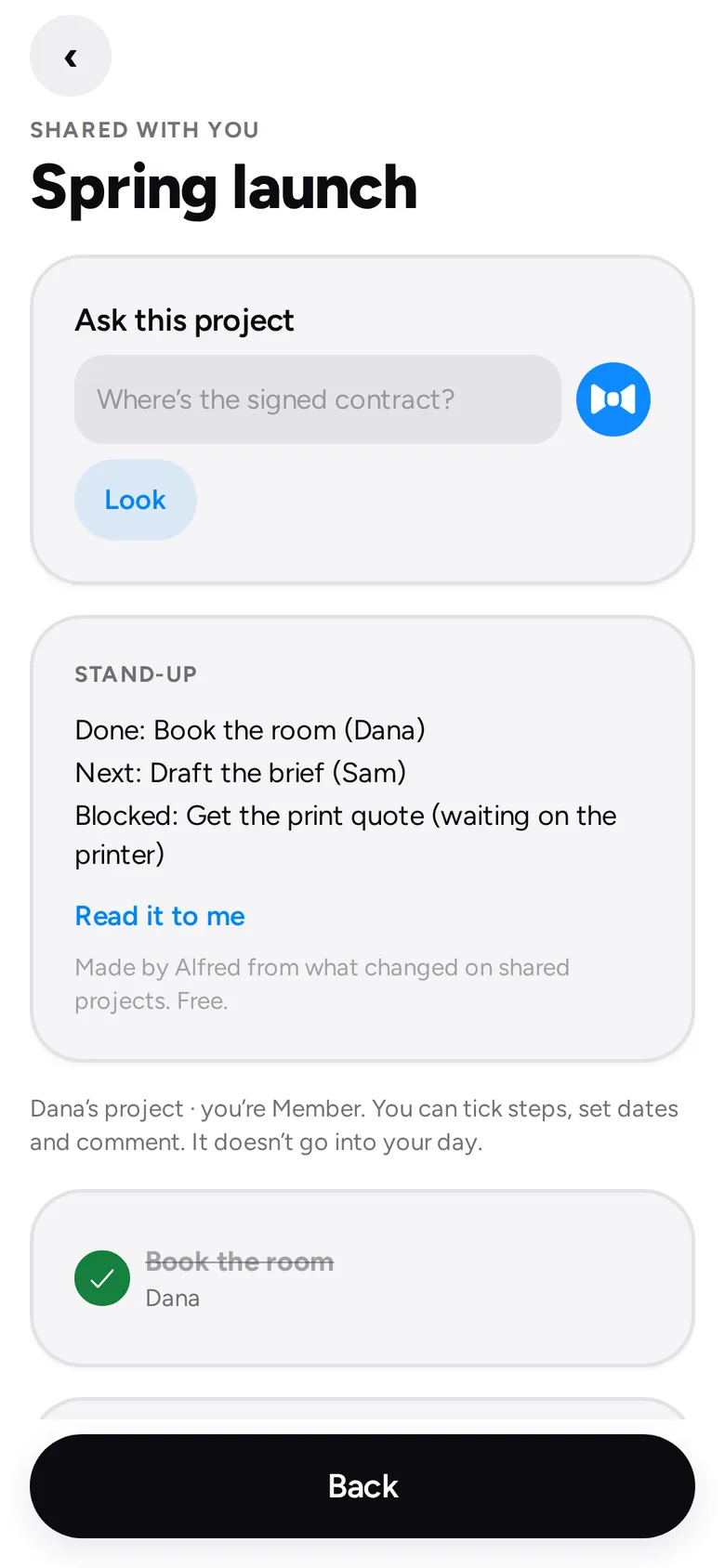
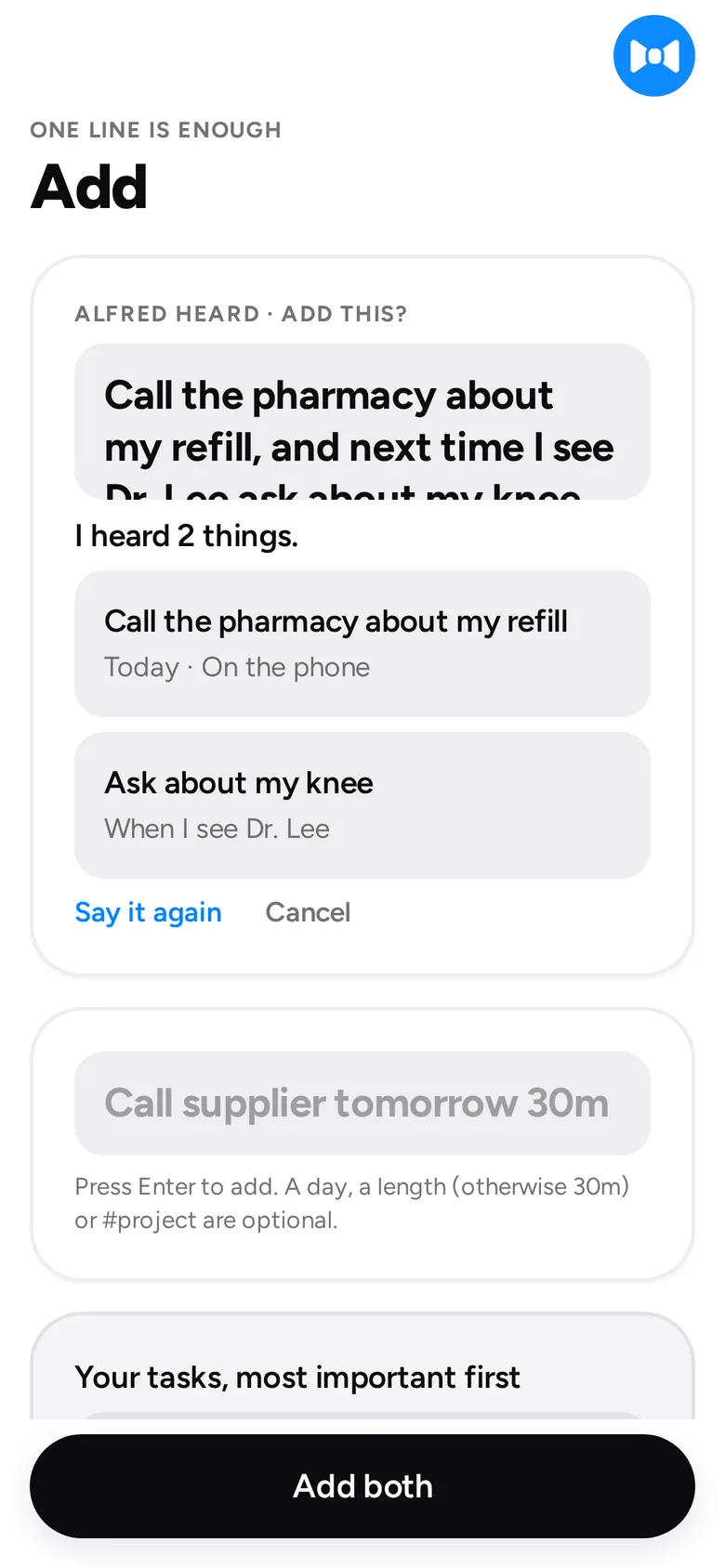
Two-way with your task app. Your calendar stays yours. Nothing sends without you.
The tour
From a list that never gets done to a day that does. Watch your Top 3 go first, a task tear off like a ticket, and the evening close on a win.
Sound on. 1 min 57 sec.
Built so the important things stay yours.
Every email and message waits for your tap, on a screen that shows who it goes to and the exact words.
AI runs on your own Claude, ChatGPT or Grok account, called from your device. We never see it.
Saved places and coordinates never leave it. Families see a place name, and only if you share.
Anything Alfred moves or files says why, with Undo. Nothing is deleted automatically.
Every row is locked to your account. Personal tasks are never visible to a team or family.
We don't sell your data. Delete your account in Settings and your data goes with it.
Alfred is free during the beta. Planning, lists and the family view need no AI at all.
Only for email drafts and summaries. Add your own Claude, ChatGPT or Grok key; you pay them directly, and Alfred shows the cost before each job.
Never. He drafts, you send. Replies are saved as Gmail drafts and texts open with the words filled in.
While Google reviews Alfred, Gmail is for invited testers. Your calendar and everything else work for everyone.
Yes, two-way with Apple Reminders, Todoist, Google Tasks, TickTick, Microsoft To Do, ClickUp and Asana. Connect one at a time.
Alfred is in beta on TestFlight now. Ask for early access and you'll get an invite.